
My review GoPro Mission 1 Pro turned up today. Yay! I have unpacked it, charged it up and installed the SD card.
So, what are my initial impressions?
I am pleased to say that GoPro has finally got rid of the plastic outer casings that you almost had to destroy with earlier models; everything is now inside environmentally friendly cardboard.
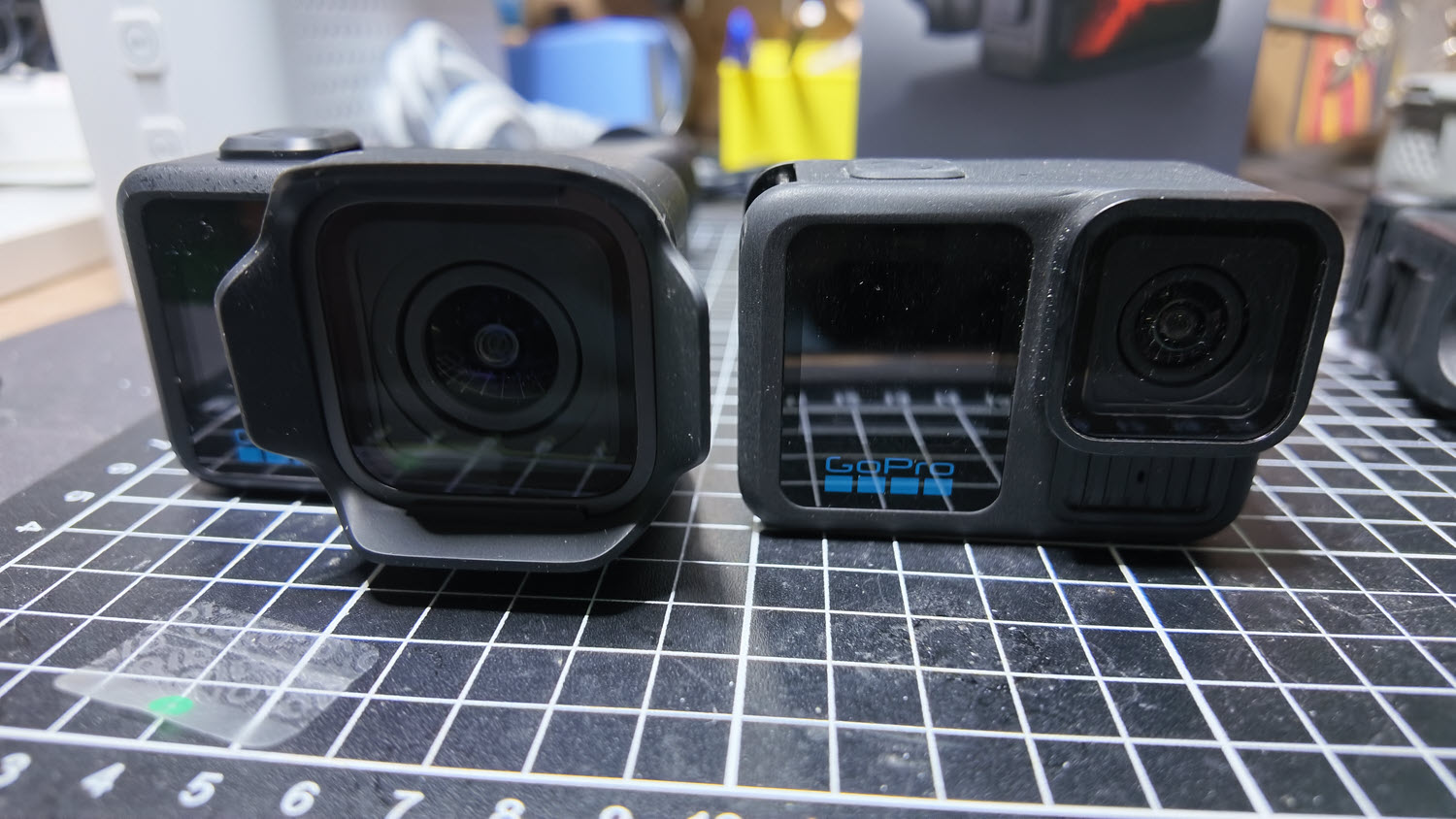
In the main box was the camera, a rubberised lens hood, “finger” mount screw thread and sticky plate with bracket and a USB-C cable. I also received a 64GB SanDisk SD card, but I am note sure if this comes automatically with the camera purchase or is part of the review kit.
Unlike similar cameras from DJI or Insta360, for example, there is no inbuilt memory unfortunately.
As has been usual for GoPro there were also a number of how-to cards and pamphlets and GoPro stickers in the box.
Separately, I also received the hand grip that looks like an extended Media Mod but sadly has no connections to the outside world which would have been nice. The trigger mechanism to start recording or take a photo is interesting though in that it is basically a plastic flexible arm that bends down when you push it and interacts with the record button on the camera. You can slide this off if you want and use the standard camera shutter button, but you then lose the cold shoe adaptor built into it.
It is a nice accessory to have though, and makes holding the Mission 1 for framing etc much more pleasant than just the camera by itself, and I’d suggest it as a standard accessory to get along with the waterproof casing if you plan to snorkel etc – no matter what the specs say about the standard camera’s waterproofing.
Speaking of which, a major update from previous GoPros is probably the most inexpensive they could do and that is a sticker on the side. It warns you NOT to try and open the “door” which is actually the microphone drain hole and has been the topic of many conversations in GoPro Facebook forums as people ask how to put it back after prising it off.
Both the rear and front screens seem certainly brighter and sharper than previous models, making the menus easier to see too, especially in sunshine.
Again, as is GoPro’s wont (and to be fair DJI do almost the same thing except they also want your name and email address whereas GoPro don’t ask for this) you have to update the camera with the latest firmware before you can use it. I have always found this to be an issue as the only instruction you get is to install the GoPro Quik software on your smartphone via a QR code and then “follow the screen instructions”. Which in my case there weren’t any as I already had Quik installed.
The trick is you have to go into Permissions (on Android anyway) and allow them to be used by the GoPro, and then add the new camera, but this has never been clearly spelled out in my experience, and I am sure new users could get confused by this.
The battery came with a 20% charge in it and on a Verbatim fast charger took only about 20 minutes to reach full power.
I haven’t got into personalising the Mission 1 yet via the menu system – by that I mean getting the default settings to my personal taste, but a cursory look through the menus seems like it will be a straightforward task.
The first thing I will be changing is the beep volume. The first time the Mission 1 shut itself down and did the customary 3 beep thing, I nearly jumped out of my skin. It’s LOUD!
Tomorrow, I’ll take it out and get some shots and video and will report back then.