
Over the last40 years or so, I have written a fair number of manuals, ranging from video editing how-to’s to complex engineering operator’s manuals. I have also written and directed numerous training videos from Microsoft Windows to Office to AutoCAD Lite, so I think I may have a slight handle on how things should be done at least.
Normally, I like Canon documentation; the manual for my Canon 5Ds is excellent by way of example. But today, I am almost speechless after suffering through a manual for a new Canon printer.
The back story is that my wife Jacqui runs a music school and does a fair bit of colour printing of music scores for students. The main workhorse we have been using for around 3 years now has been a very excellent Epson ET2750 tank printer, which apart from a board failure early in warranty has never missed a beat.
In the last week though, our network has been playing up and poor old ET has been getting a hard time of it, so we decided to get a cheapie back up printer. My initial choice was another Epson, but when I was informed that printer cartridges were extra, instead opted for a Canon TS3660 which at $49 was a bargain. Add on some extra cartridges (it did come with some, but we print a lot) and we got change out of $100.
With this printer we have the choice of either USB connectivity or Wi-fi. As the primary potential usage is on my wife’s Mac, and USB ports are a premium, we opted to setup the Wi-fi instead.
And that’s where the fun started.
I say fun, sorry, I mean nightmare.
In hindsight, now we have it going, it seems simple enough, but if you went by the “manual”, most, especially those only slightly computer literate, would simply give up.
“Manual” itself is a misnomer actually. There is no manual, instead you scan a QR code to get to a website that takes you through step by step the installation and setup procedure.
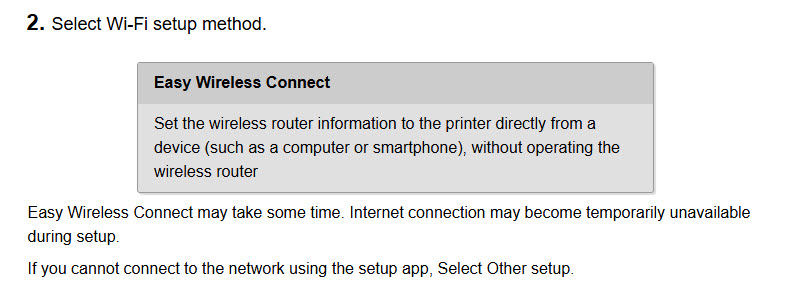
That alone gets a big red cross from me; why can’t they do a simple 6 page manual- it would only add cents to the cost if that.
The trick though, is that unlike what I would call standard procedure, with this particular printer at least, you need to set it up from the computer.
Every other Wi-fi based device I have setup, including printers, necessitates getting the printer (or device) connected to your network via choosing the correct wireless network, supplying the network password and away you go. Then when printing, you just need to choose which printer you want as it is just a device on the network like any other.
But with this one, you have to install the printer to the network from a computer (or smartphone or tablet) via an app, which as I say, in hindsight seems simple enough, but is so badly directed in the so-called manual (in my opinion), it took me over 2 hours to get it right.
Of course this also means you have yet another app cluttering up your computer, smartphone or tablet that you may never use if you just print documents from Word or Excel say.
The KISS principle springs to mind. Keep It Simple Stupid.