
You learn summat every day. I was always brought up to think a Twitcher was a Bill Oddie clone (If you are under 50, look up “The Goodies”) and the height of excitement was seeing a tit in the wild.

Boom! Boom! (Ditto Basil Brush).
But no, the current Twitcher plays video games and a fair percentage record these so that others can watch their game play at a later stage. I suppose it is a bit like recording the Monaco Grand Prix because your best mate will be at work at that time and so he’ll then be able to watch it later?
Anyway, it appears these people need something that will record their games for later posterity, and Elgato has been the go to company stepping up to the mark to provide the wherewithal for that purpose.
The latest is the company’s 4K S –NOT to be mistaken with the earlier 4K 60S which while sounding the same is a very different beast – and whilst, as I have mentioned numerous times, I have not been a gamer since Commander Keen ate his last chook, I can find a really serious use for it in my own environment.
The most tedious part of creating tutorials for software especially, is that of screen capturing in order viewers can either follow along, or to better describe something that win sheer words alone, would be either confusing or cover pages and pages of information.
And with many screens now sporting 4K ability, to also capture in that resolution is a bonus.
Basics
The basics of the Elgato 4K S are simplicity itself and probably belies the extreme smarts inside. In essence, it is a small black box, roughly the size of a pack of playing cards, with a pair of HDMI ports for line in and line out, and a USB-C connection to connect to your PC.
In my situation, I have an HDMI splitter talking the feed from my second monitor into a Blackmagic Design ATEM Mini Pro (or more lately while reviewing and testing, a RØDECaster Video, and then into a 3rd screen for monitoring purposes as you can see from the attached images.
To incorporate the Elgato 4K S into the system, simply needed me to take the HDMI line feed from the 3rd monitor, patch it into line in on the 4K S and then send the output to the 3rd monitor.
Simple.
The USB-C to the PC was a little more problematic as I am rapidly running out of USB-C 10Gbps ports. The computer I use has 2 of these and I also have a Belkin hub incorporated giving me a total of 4 dedicated USB-C 10Gbps and a further 4 USB-A 10Gbps ports, but when you consider the number of USB-C devices now available, this is scratching the limit.
What is badly needed on the market is an affordable 10 (or higher) port USB-C 10Gbps powered hub. Let me know if you find one.
But I digress.
Capturing
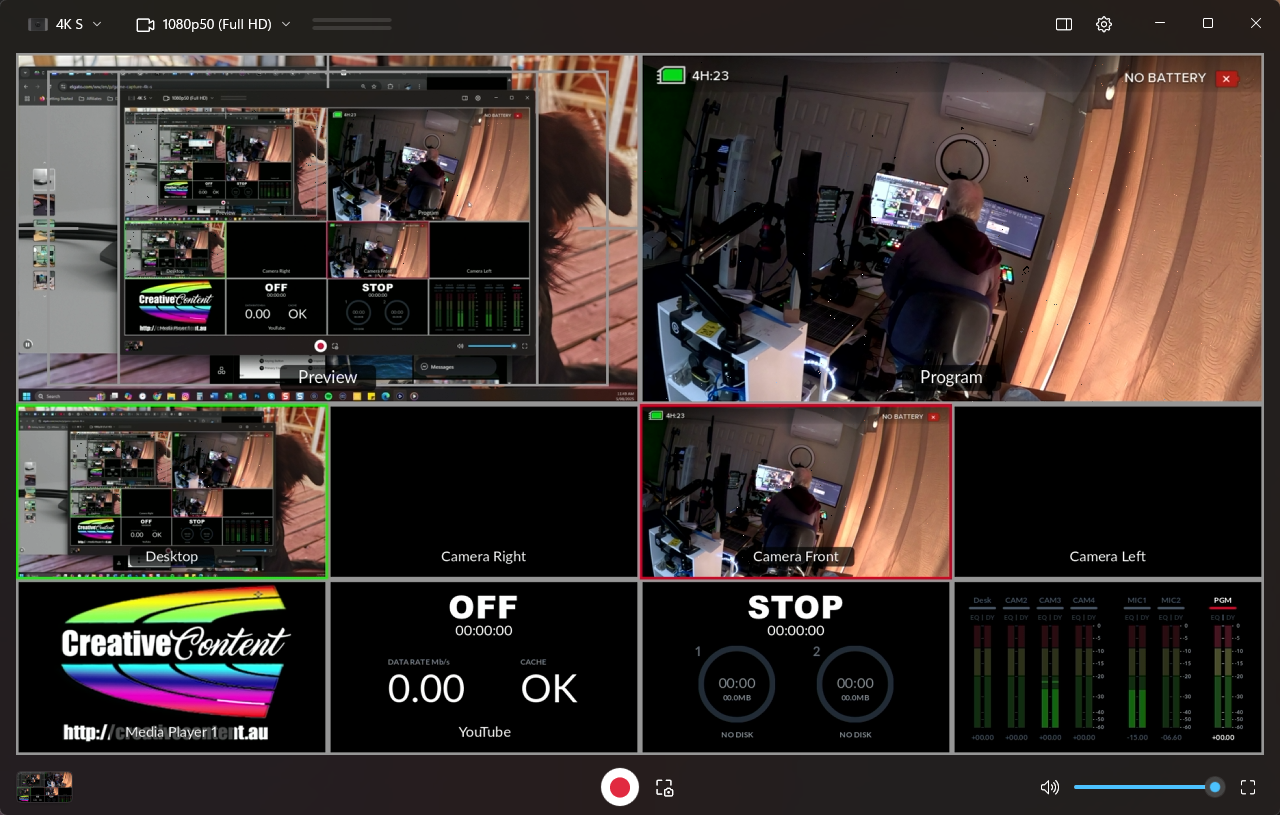
To actually do the capture, you also need to install some software, Elgato Studio, and here I fell foul for a few minutes due to a simple typo, mistakenly downloading the app for the earlier 4K X unit – which of course refused to see the 4K S. My defence is I assumed an X would be the later version which uses a different app altogether… and I had only had a single cup of coffee at that point.
Anyway, once that hoop was jumped through and the correct package installed, all was tickety boo with the contents of the 2nd monitor flowing effortlessly through the 4K S to the software for capture.
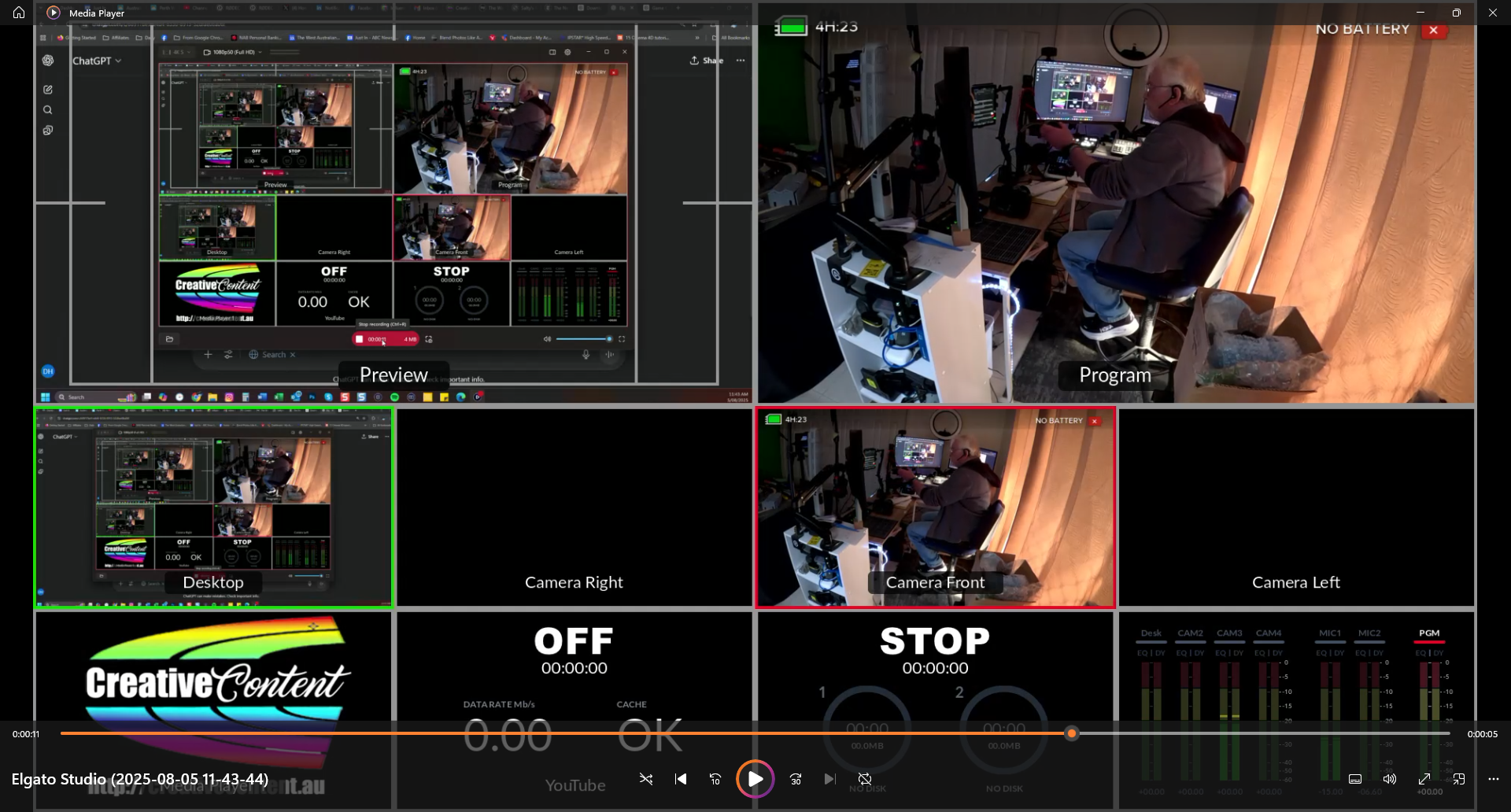
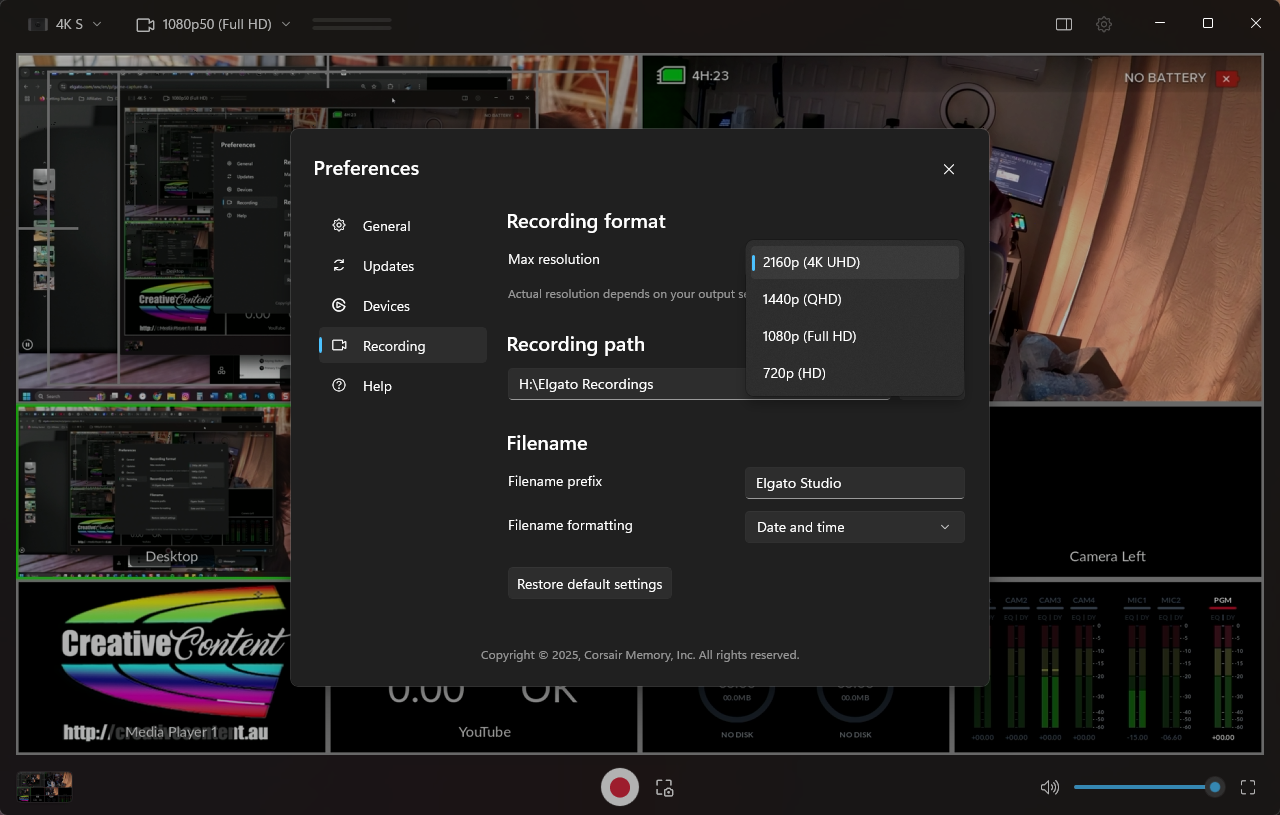
My signal, due to the Blackmagic Design ATEM Mini Pro (and RØDECaster Video) limitations, is only 1080p / 50fps, but of course the Elgato 4K S as the name suggests will capture up to 4K 60fps or even 1080p 240fps if you want it to, and latency is miniscule at 30ms.
Colour depth availability goes up to HDR10 and is very impressive I have to say.
And rejoice ye all – the Elgato 4K S is not just Mac or PC friendly but will also work on iPAD OS (along with Switch 2, PS5, XBOX X and S or Stream Deck of course). It will also capture streams from just about any app you’d like to name including X, Teams, TikTok, Instagram, YouTube, OBS Studio and more.
And I nearly forgot, to add a mic, there is a standard 3.5mm line-in available. I tried it with a Sennheiser MK4 with an XLR/3.5mm adaptor and it worked a treat, but I am guessing most would use a headset of some description.
Conclusion
So all in all, the Elgato 4K S does exactly what it says on the tin simply and easily and with perfection. I couldn’t find an Australian reseller as yet – yes, it is that new – but I am guessing soon it will be at all the local suspects such as JB HiFi and Rubber Monkey. The current price I found is USD$159.99 so expect an Aussie retail of around AUD$250 or so (excepting Trump’s idiot tariffs of course, that by tomorrow could be anything).
In summary, whilst I am no large scale gamer, for creating tutorials on software and hardware for placement on YouTube etc, the Elgato 4K S is a HUGE time saver. It cannot do some of the finesse things my standard way of doing screen captures does using Techsmith Snagit, where I can capture just menus, scrolling screens or on delay etc, but for whole screens, this is very hard to beat.